How Skoolia Helps Schools Collect Fees, Payments and Donations with Stripe
Ask a school bursar what they collect in a term and "tuition" is only the first answer. There is registration. Daycare for the younger children. The bus route. Lunch in the cafeteria. The ski trip, the science club, the exam resit fee. Some schools also raise money through donations. And every one of those charges reaches a family with its own preference for how to pay: card today, bank transfer next week, cash at the front desk for the family that has always done it that way.
The money is not the hard part. The admin around the money is. Fees end up in a spreadsheet, invoices in a word processor, card payments behind a separate payment link, reminders in someone's email outbox, and the record of who actually paid in a second spreadsheet that never quite matches the first. Multiply that across a few hundred families and several kinds of charge, and the finance office spends its week reconciling tools instead of running the school's finances.
Skoolia was built to put that back together. Fees, invoices, payments, requests, donations and reporting live in the same place as the student records they belong to, so billing always lines up with enrollment. Here is how it works.
Collect fees online with Stripe
Schools that want to accept card payments can connect Stripe and turn on online payments. Once that is set up, an eligible invoice can be paid online through Stripe's secure checkout, and the payment is matched back to the right invoice in Skoolia without anyone re-keying it.
The division of labour is simple. Stripe is the payment provider that handles the card and the checkout. Skoolia is the school-management layer around it: the invoice the family receives, the record of what was charged and to whom, the follow-up if it goes unpaid, and the reporting the finance office reads at the end of the month. Families get a familiar, secure way to pay online. The school gets one system that already knows the student, the fee and the balance.
Professional invoices families can actually read
An invoice only works if the family understands it. Skoolia's invoices are built to be read at a glance, on a phone as easily as on paper. Each invoice shows:
- Who it is from, including the financial entity that issued it
- Who it is for, with the family or student clearly identified
- What is owed, the amount paid so far, and the balance still due
- Its payment status, so nobody has to guess whether it is settled
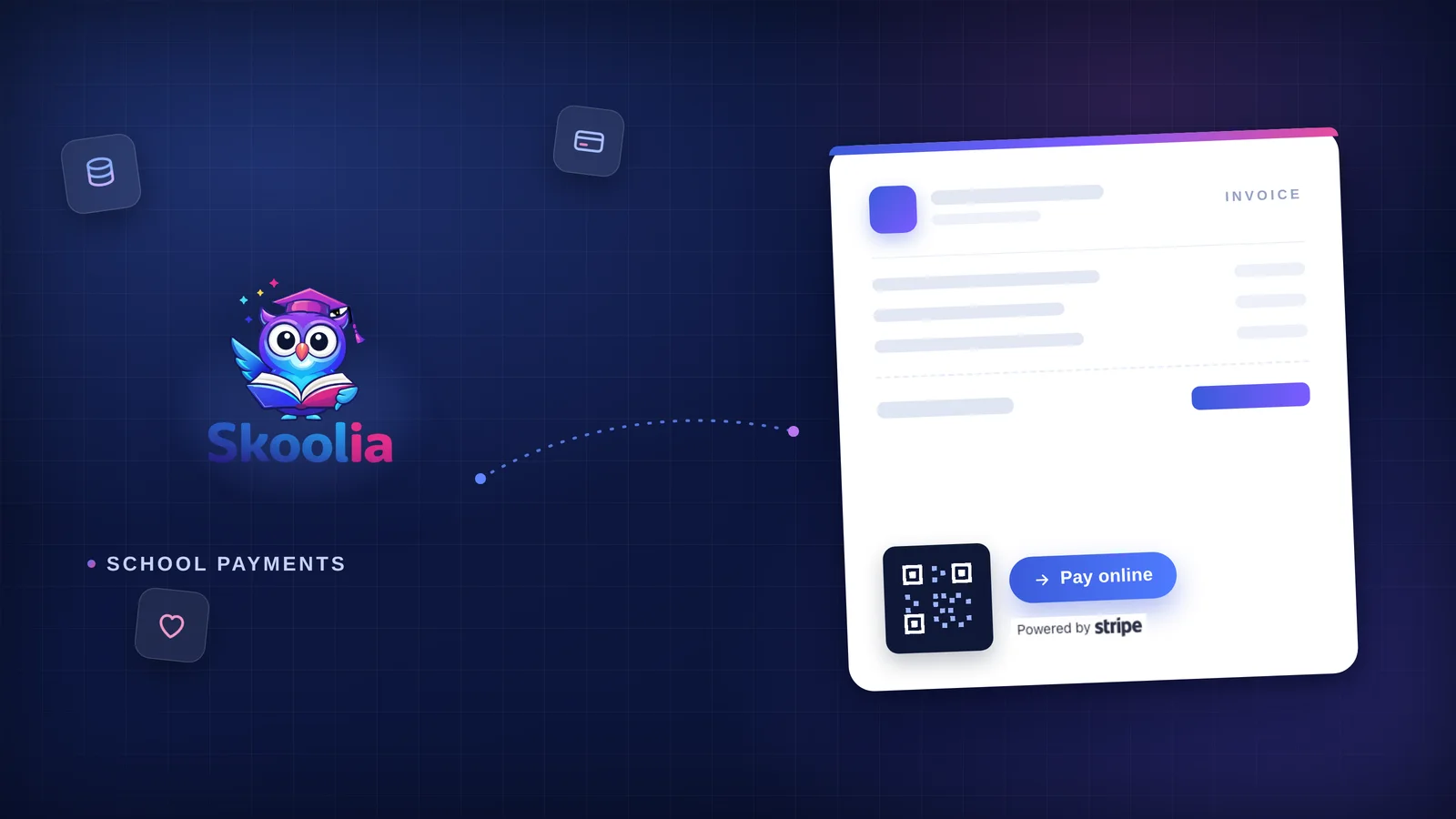
They render as a clean, professional PDF a school is happy to put its name on. When online payments are configured, a payable invoice also carries a pay-online option and a QR code.
The QR code is a small thing that removes a lot of friction. A parent looking at a printed or PDF invoice can scan it with their phone camera and continue straight to the secure online payment. No login to find, no portal to search, no long link to copy from an email. They see the invoice, they scan, they pay. You can see more on the fee and billing features page.
Payment requests, without a separate system
Sometimes the finance office needs to ask a family to pay. A new charge has come up. An invoice is sitting unpaid. Something is past due. A family paid part of a balance and still owes the rest. In a lot of schools each of those becomes its own little process, or worse, its own separate 'payment request' tool.
In Skoolia it is just part of Fees. Staff can request a payment directly from the same Fees area they already use to raise and track invoices. It works for:
- A new fee a family needs to pay
- A pending invoice that has not been paid yet
- An overdue invoice that needs a nudge
- A partially paid invoice where a balance remains
There is nothing new to learn and no second system to keep in sync. A payment request is the normal invoice workflow, pointed at the family who needs to act.
Billing that reaches the right person
Sending the invoice to the wrong inbox is how a bill gets ignored. Skoolia sends financial communication to the family member most likely to act on it: the student's primary guardian. Where it makes sense, other guardians on the record can be kept in the loop, and an adult student can be included too. If there is no guardian on file, the message can go to the student directly, so a bill never falls into a gap.
After a family pays online, they can receive an updated invoice as confirmation, showing the payment applied and the new balance. The family gets a clear record of where they stand, and the school does not have to send it by hand.
One school, several financial activities
Here is where a lot of platforms fall down. On paper a school is one organisation, but in practice it often runs several financial activities at once: the school itself, a daycare, a bus service, a cafeteria, sometimes a charity or fundraising arm. Treating all of that as one undifferentiated pot makes reporting a mess. Splitting it across separate systems makes daily work a mess.
Skoolia lets a school keep these as separate financial entities inside the same platform. An invoice or an expense can belong to the entity it actually relates to, and financial reporting can be viewed by entity, so each activity's numbers stay clear.
A practical example: a parent might receive a tuition invoice from the school and a separate charge for daycare. The school can keep the financial identity and the reporting of those two activities distinct, without running two completely separate school-management systems to do it. One login, one set of student records, but finance that reflects how the school is really organised. Managing more than one financial entity is available on the Growth plan and above; you can see what each plan includes on the pricing page.
Online donations, kept separate from fees
Not every payment a school receives is a fee. Schools run fundraisers and accept donations, and that money should not be tangled up with tuition. Eligible schools can turn on a public Skoolia donation page. A supporter can visit the page, choose one of the suggested amounts, enter their own amount when the school allows it, and complete the donation online.
Skoolia keeps donation income separate from tuition and fee collection in financial reporting, and a donation can be associated with the appropriate financial entity, so a school's fundraising shows up as fundraising rather than getting lost inside fee totals.
Online is optional, not the only way
It would be easy to say the goal is to move every family online. It is not. Plenty of families, and plenty of schools, still pay and get paid by bank transfer, by cash at the office, or by cheque and other locally accepted methods. In many markets that is simply how school fees are paid, and an international school will have families on both sides of that line.
Skoolia handles this by letting a school configure its own offline and bank payment instructions, so those details can appear on unpaid, payable invoices. The message to families is the one that actually fits real life: pay online if you want to, but there is still another way to pay. The family that prefers a transfer sees exactly where to send it. The family that wants to tap a card scans the QR code. Nobody is forced down a path that does not suit them.
One financial workflow instead of five tools
Put the pieces next to each other and the point becomes clear. A charge becomes an invoice. The invoice reaches the right family member. If it needs following up, the request goes out from the same Fees area. The family pays online through Stripe or offline by the method the school supports. They get an updated invoice confirming it. And all of it rolls up into financial reporting the office can trust, because there is one record, not five that disagree.
Donations and multiple financial entities are extensions of that same workflow rather than bolt-on products. A donation is money in, tracked cleanly. An entity is a way to keep a daycare's numbers separate from the school's. It is one financial picture for a school that does more than teach.
None of this is meant to replace a professional accounting package. Skoolia's job is to run the school's day-to-day finances, fees, invoices, payments, requests, donations and the reporting around them, in the same place the school already manages students, so the money side finally matches everything else. You can see the wider platform on the features overview and the finance overview.
Frequently asked questions
Can schools collect fees online with Stripe?
Yes. A school can connect Stripe and turn on online payments, and families can then pay eligible invoices online through Stripe's secure checkout. Skoolia keeps the invoice, the balance and the record on the school side; Stripe handles the payment itself.
Can Skoolia send payment requests to parents?
Yes. Staff can request a payment directly from the Fees area, for a new charge, a pending invoice, an overdue invoice or a partially paid balance. It uses the normal invoice workflow, so there is no separate payment-request system to run.
Can a school accept both online and offline payments?
Yes. Online card payments through Stripe and offline methods such as bank transfer, cash or cheque can be used side by side. A school can configure its offline and bank payment instructions so they appear on payable invoices, giving families more than one way to pay.
Can schools collect donations through Skoolia?
Eligible schools can enable a public donation page where supporters choose a suggested amount or enter their own and give online. Donation income is kept separate from tuition and fees in reporting, and can be linked to the right financial entity.
Can different school services have separate invoices?
Yes. A school can keep activities such as the school, a daycare, transport or a cafeteria as separate financial entities. Invoices and expenses can belong to the relevant entity, and financial reporting can be viewed by entity, so each activity's finances stay clear.
Can parents pay a school invoice using a QR code?
When online payments are configured, payable invoices include a QR code. A parent can scan it from a printed or PDF invoice with their phone and continue to the secure online payment, without hunting for a link or logging in first.
School payments shouldn't require five different tools. If your finance office is stitching together spreadsheets, payment links and separate records to do one job, it is worth seeing what a single workflow feels like. Explore Skoolia's fee and finance features, take a look at the full platform, compare plans on the pricing page, and start a free trial when you are ready.
Ready to Transform Your School?
Discover how Skoolia can help streamline your school's operations with modern tools designed for education.
Continue Reading
How to Generate a School Timetable Without Conflicts
Follow a practical process to generate a school timetable without teacher, class or room conflicts, from clean data to final validation.
AI Timetable Generator for Schools: The Definitive Guide
Learn how an AI timetable generator for schools handles teacher, class, room, workload and curriculum constraints, plus how to evaluate the results.